Desktop
Windows client setup
Use the Hiddify client to connect to S-Speed research access nodes
1. Download the client
We recommend installing the Hiddify client. It has a modern interface and works well for importing accelerator profiles.
Fast direct downloadRecommended
Direct ZIP download from the official S-Speed download domain. Download, unzip, and run the installer.
Download note
The downloaded file is
Hiddify-Windows-Setup-x64.zip. Unzip it and run Hiddify-Windows-Setup-x64.exe to install the client.2. Copy research access config / subscription link
Copy your dedicated configuration link below. Each user may use up to 2 devices at the same time; do not share it with others:
Log in to the dashboard to copy your dedicated accelerator configuration link
3. Setup steps
1
Run the installer and choose language
Double-click the unzipped
Hiddify-Windows-Setup-x64.exe installer. In the language window, choose English or your preferred language, then click OK.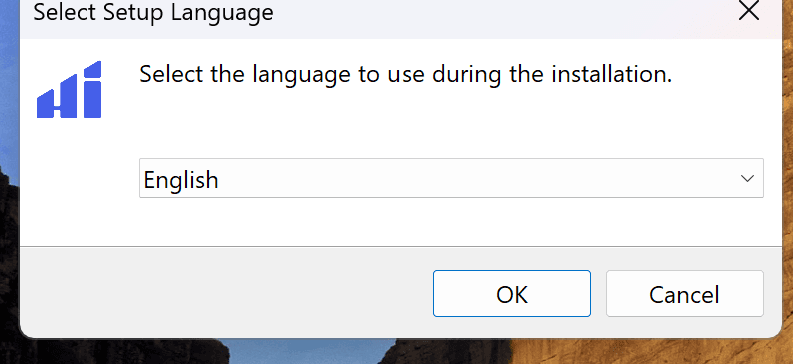
2
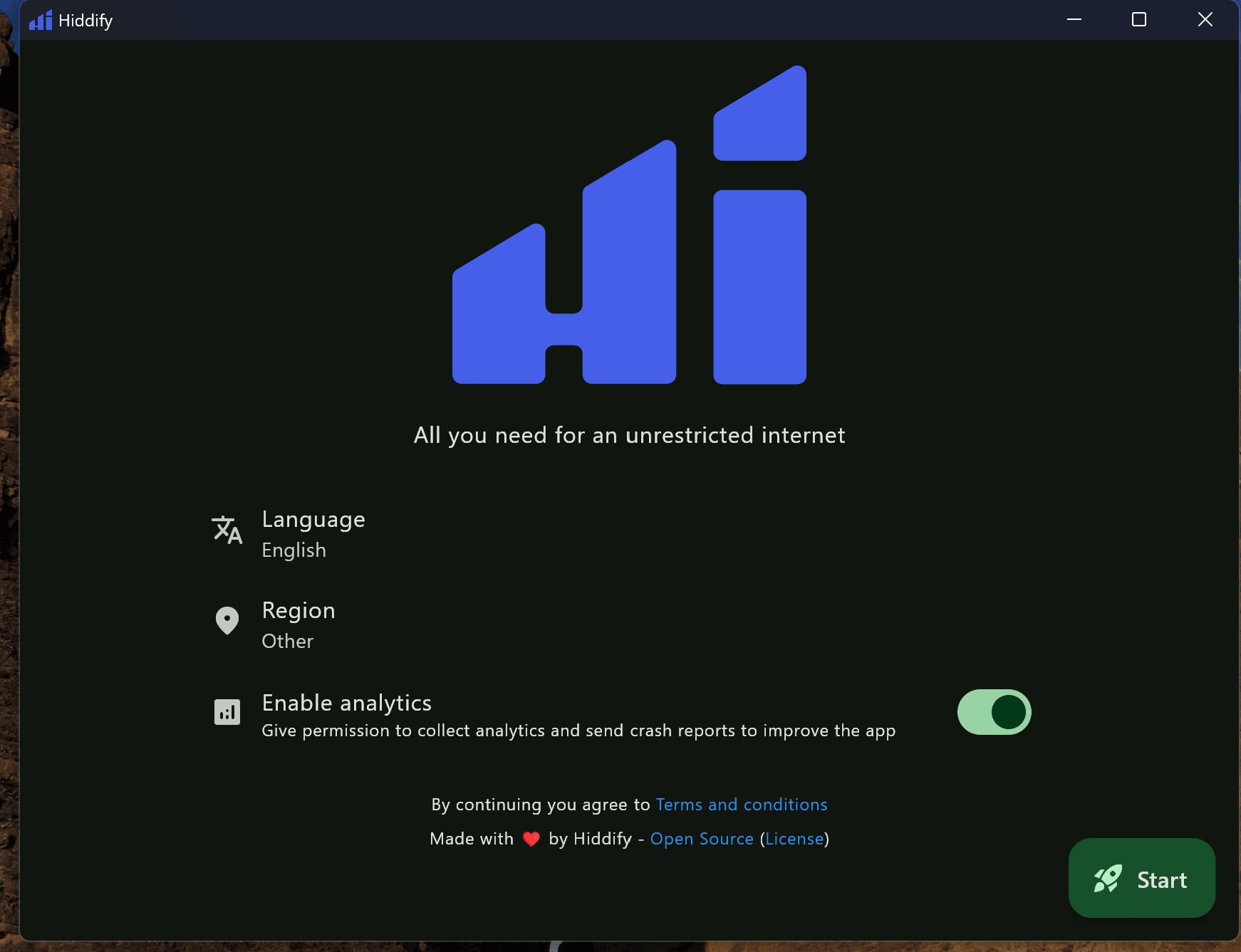
Open and initialize the client
After installation, launch Hiddify. Keep the default settings on first run and click Start in the lower-right corner.
3
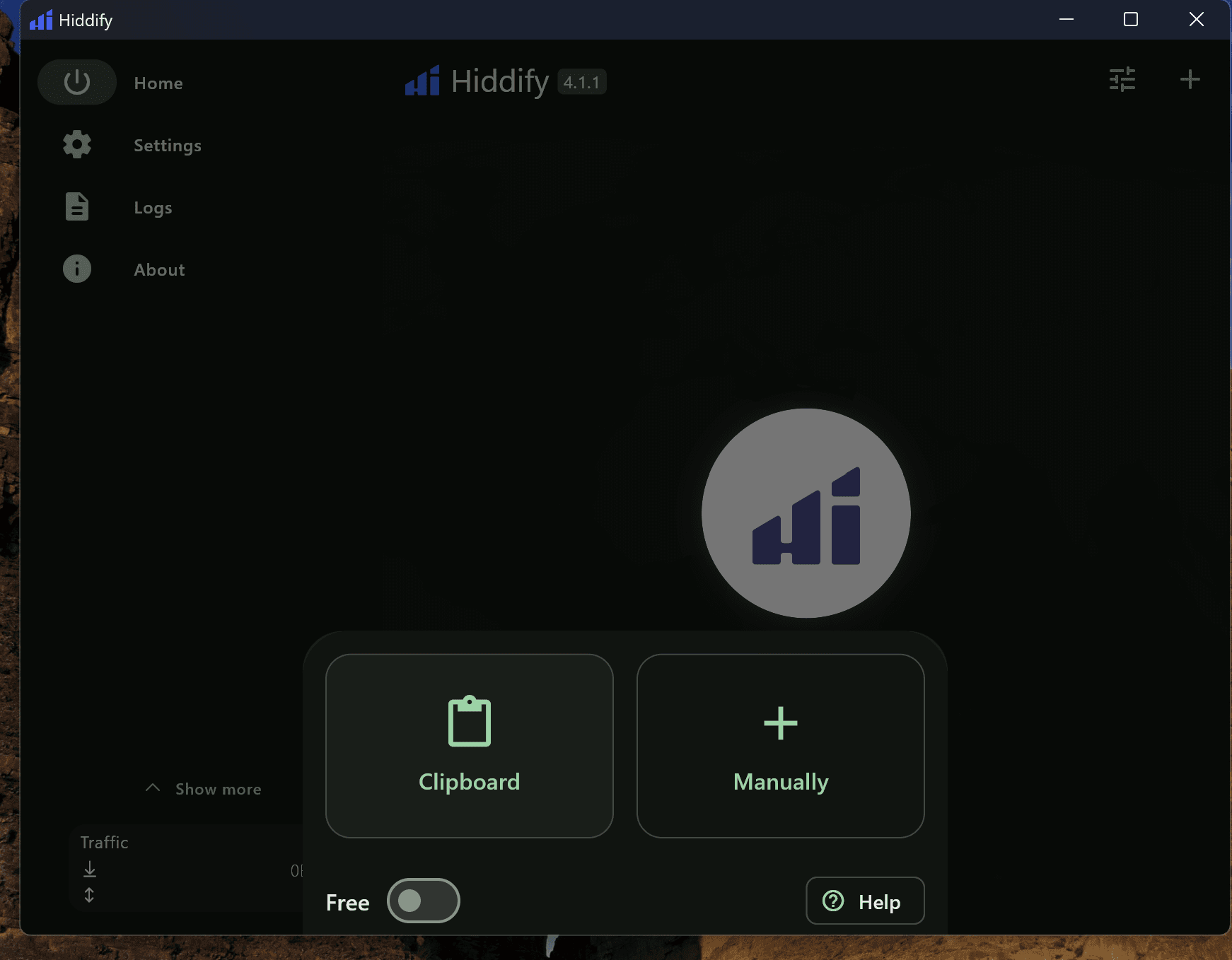
Import your subscription profile
First copy your dedicated S-Speed academic access link from step 2 below. Return to Hiddify, click New Profile or the plus button, and choose Clipboard.
4
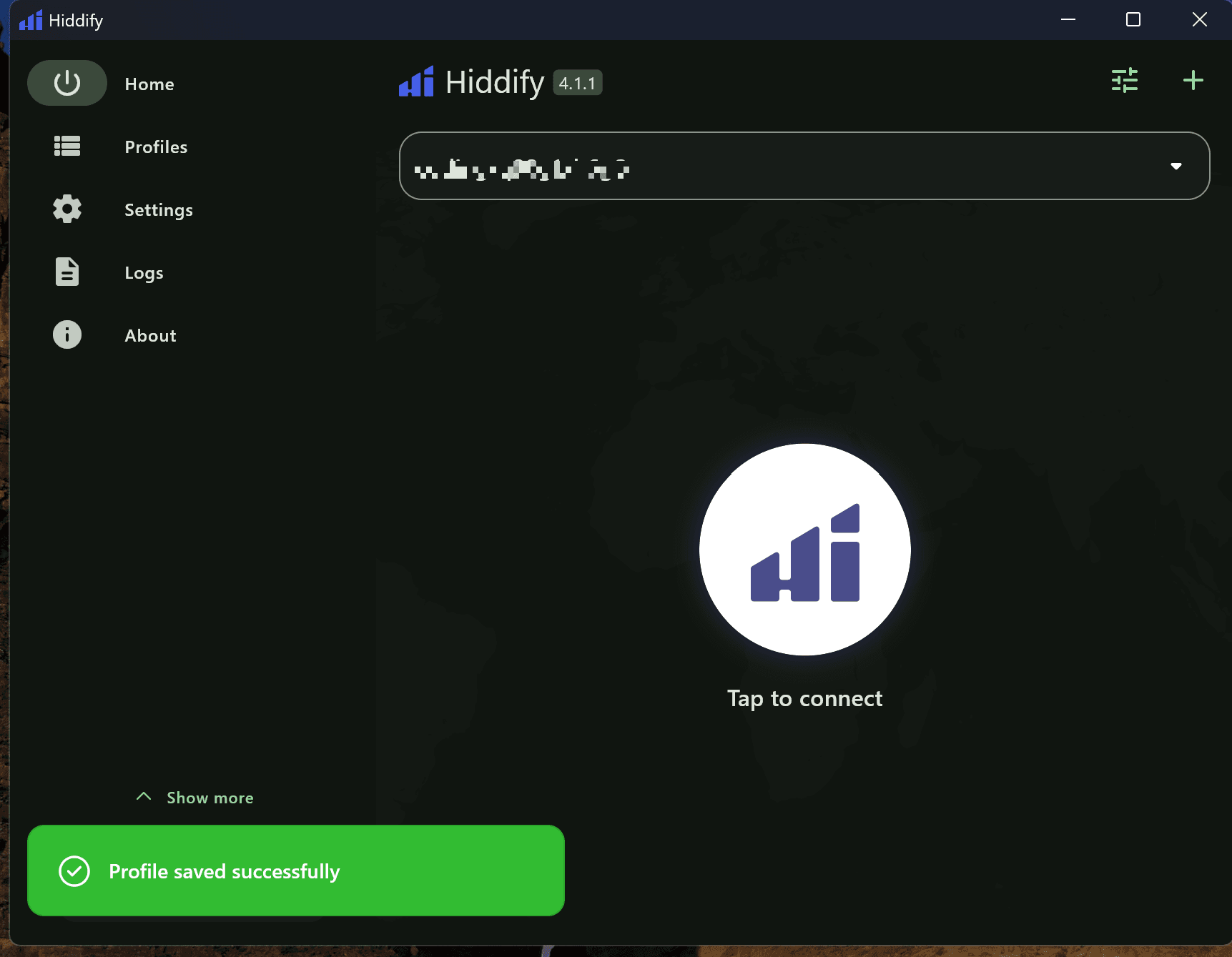
Profile imported
After import, Hiddify shows a green Profile saved successfully message and the imported node card appears on the home screen.
5
Connect
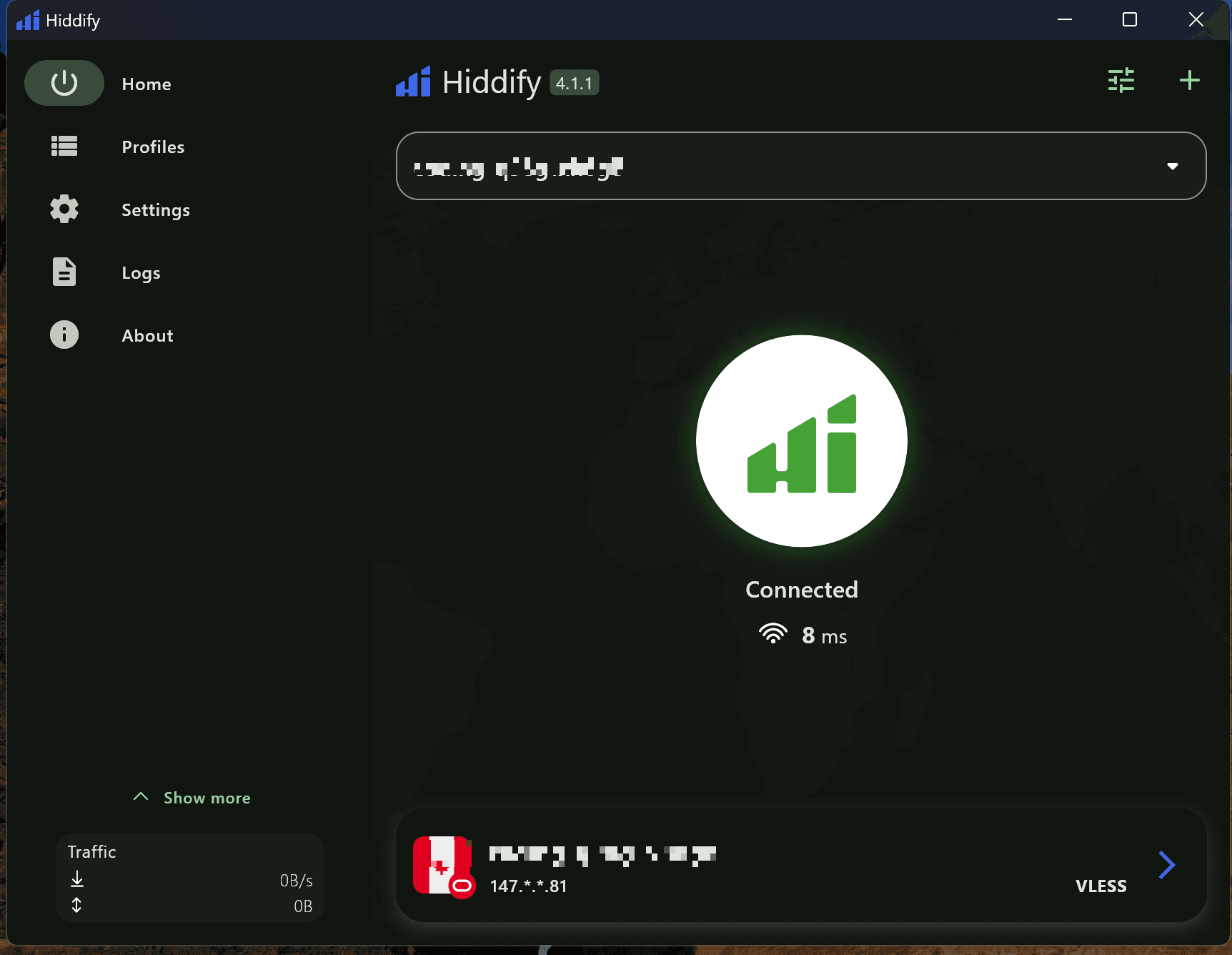
Click the center Tap to connect button. When it turns green and shows Connected, the connection is ready and latency appears below.
6
Disconnect if needed
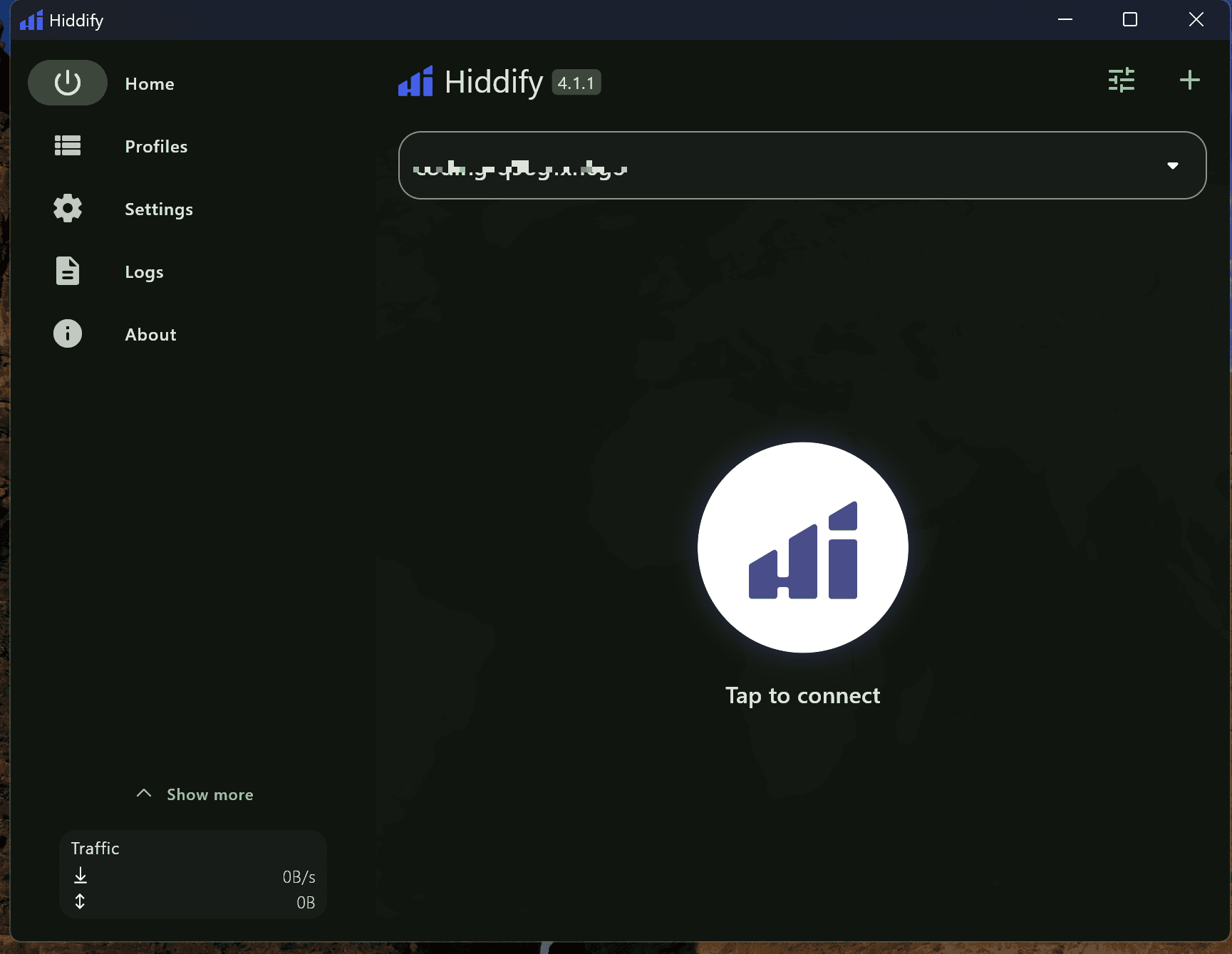
To turn it off, click the green center circle again to return to the Tap to connect state.
Troubleshooting
Connection failed due to unsynced system clock?
Accelerator connections require accurate client-server time sync. A clock drift over 1 minute may cause failures. Make sure Windows time is set to automatic sync.
Security prompt or administrator permission required?
Hiddify may request administrator permission on first run or when configuring the system proxy. If the firewall warns you, allow access so the network service can work.