iOS / Mobile
iOS (Apple) client setup
Use the Hiddify client to connect to S-Speed research access nodes
2. Copy research access config / subscription link
Copy your dedicated configuration link below. Each user may use up to 2 devices at the same time; do not share it with others:
Log in to the dashboard to copy your dedicated accelerator configuration link
3. Setup steps
1
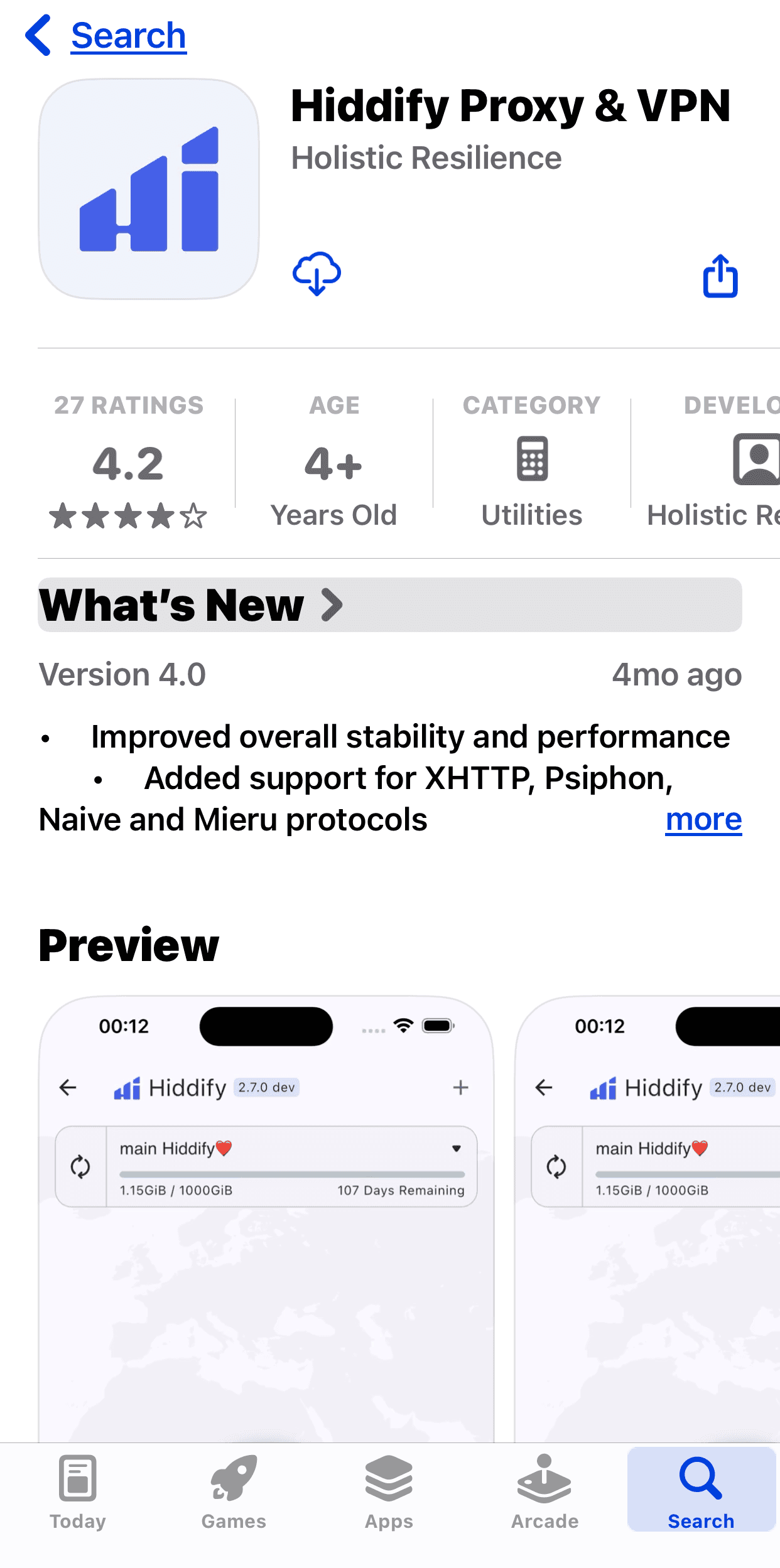
Search and download from App Store
Search Hiddify in the App Store and install the official client by Holistic Resilience.
2
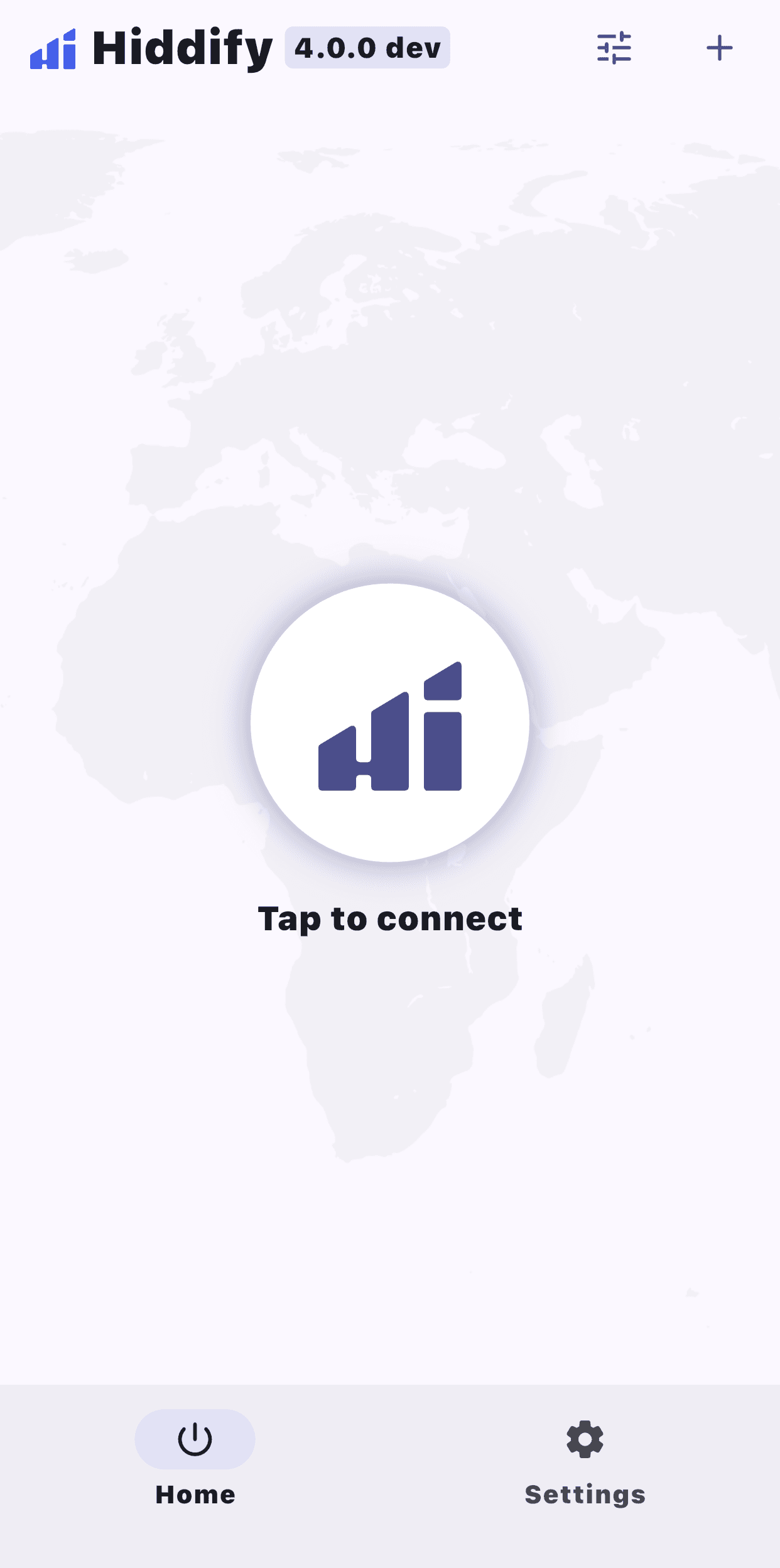
Launch Hiddify
After installation, open Hiddify from your home screen. You will see a simple Tap to connect home page.
3
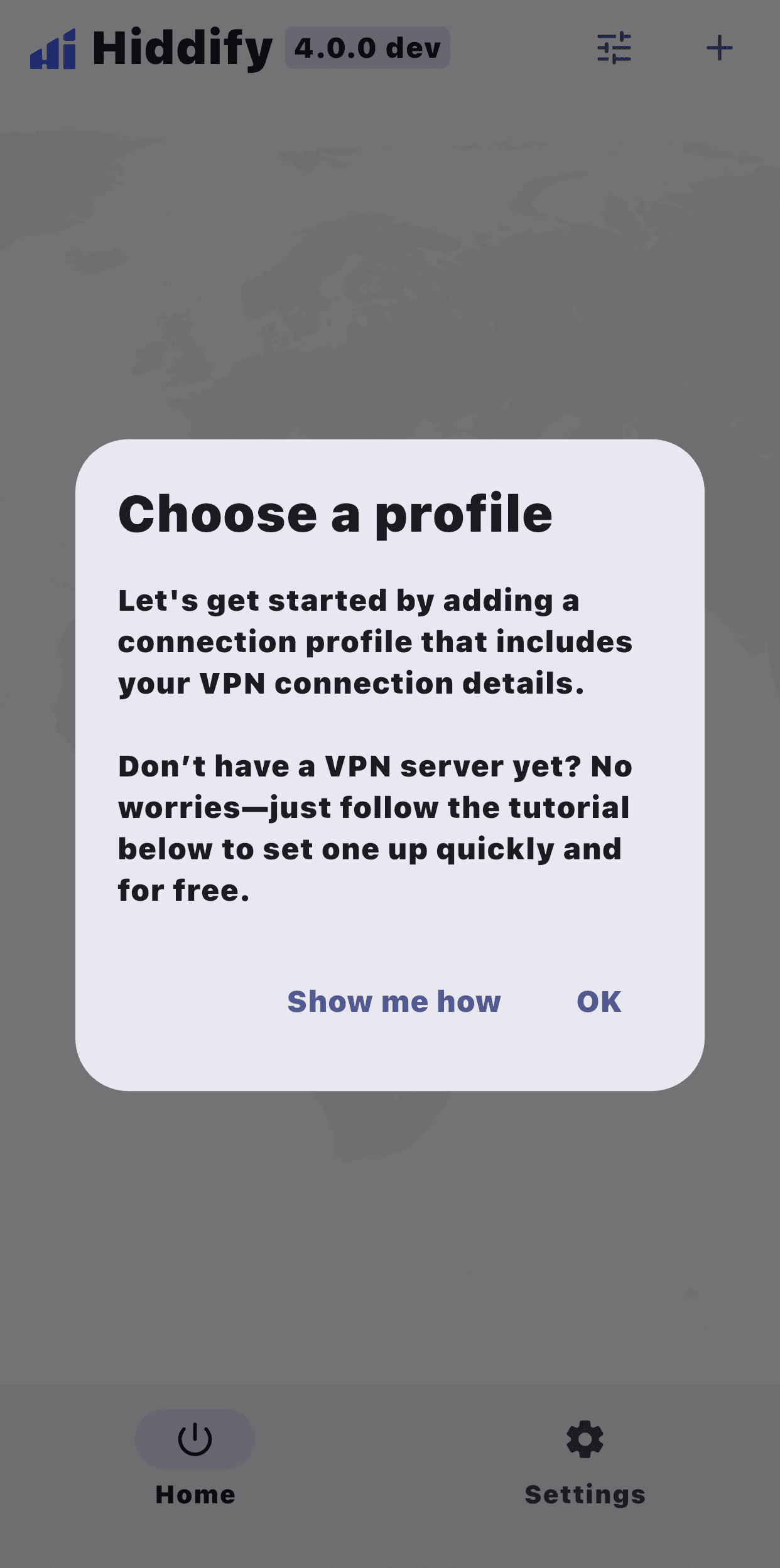
Start adding a profile
First copy your dedicated research access link from step 2 below. Tap the + (plus) icon in the top-right of Hiddify. When the Choose a profile prompt appears, tap OK.
4
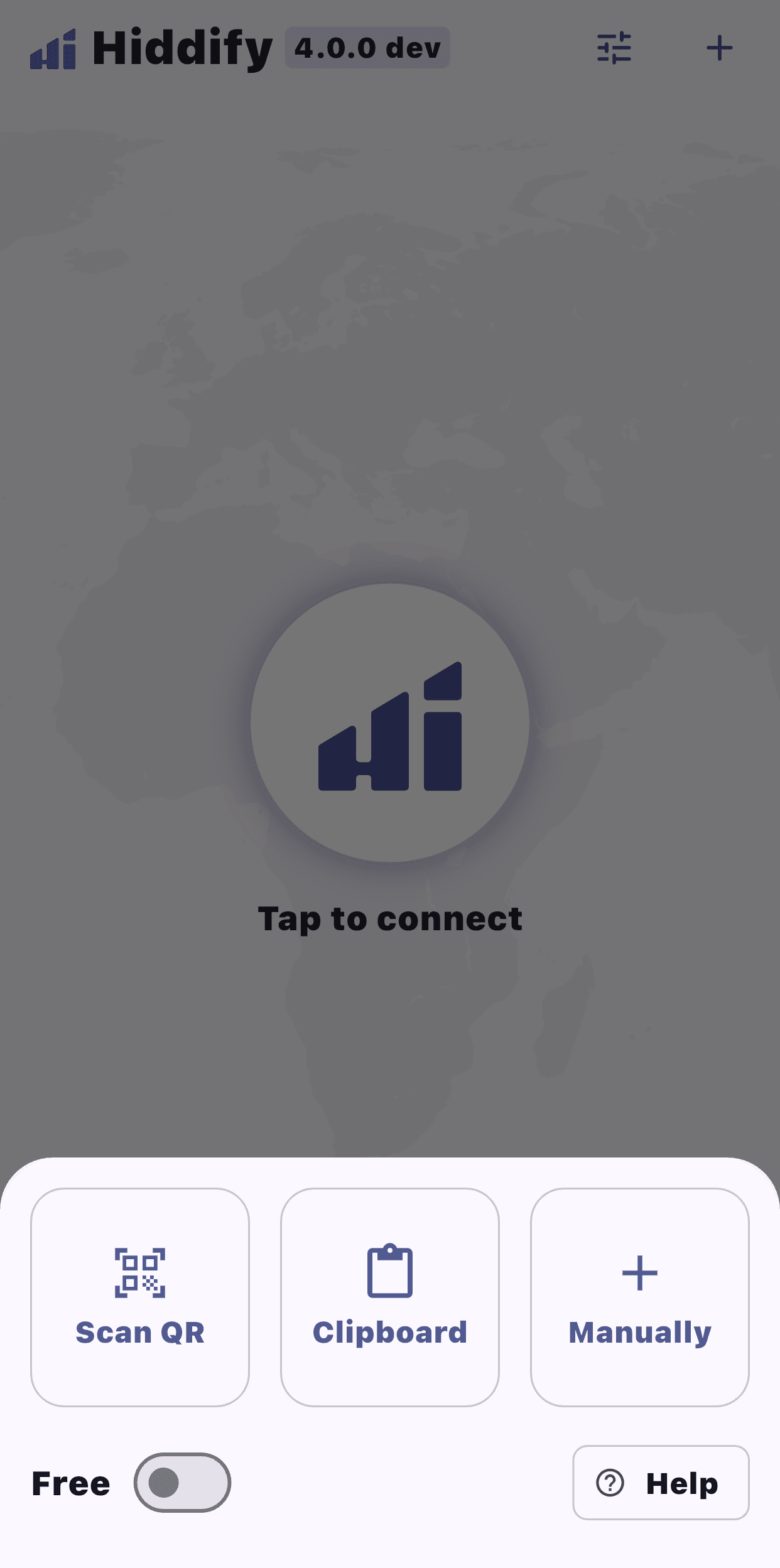
Import from clipboard
After tapping OK, choose Clipboard. Hiddify will detect and import the copied node link. Tap the center button to connect. On first connection, iOS will request permission to add a network configuration; tap [Allow].
Troubleshooting
Connection failed because the clock is not synced?
Accelerator connections are sensitive to time sync. Make sure your iOS device system time is set to automatic sync.